DaVinci Resolve Vs Wondershare Filmora

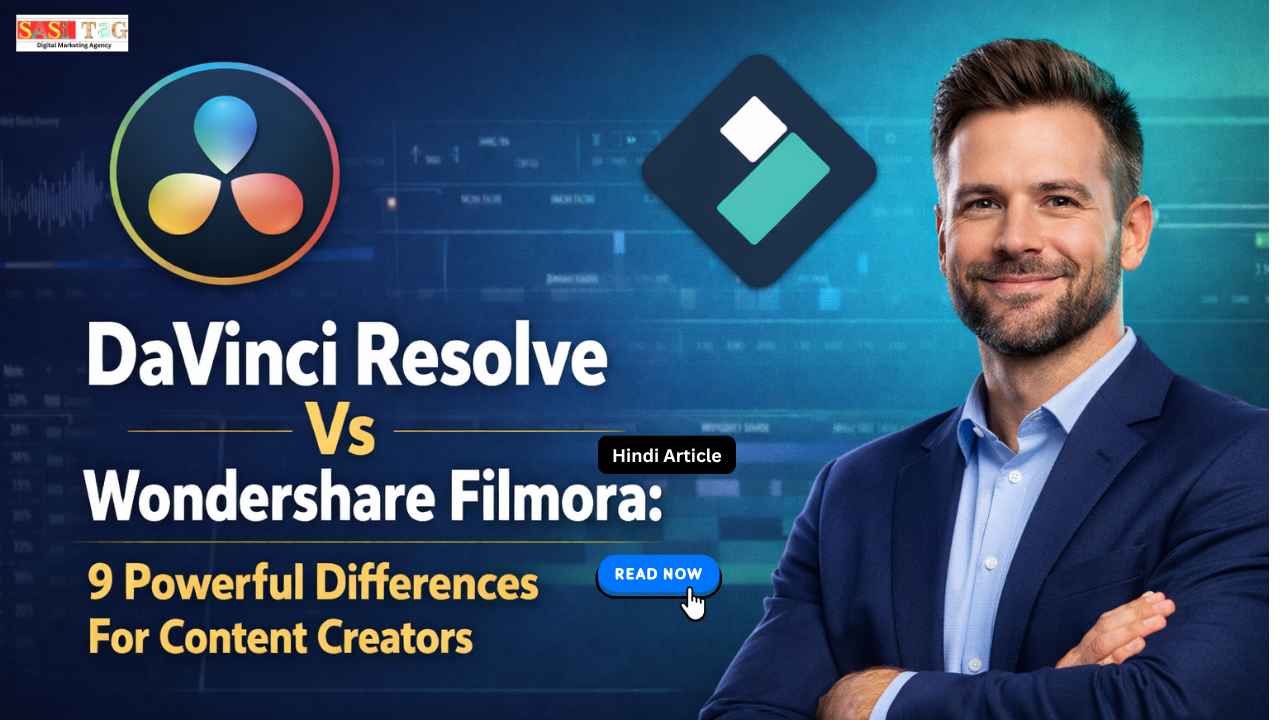
#DaVinci Resolve Vs Wondershare Filmora: Top 9 Powerful Differences For Content Creators For Video Editing

आज के Digital Era में Video Content सबसे तेज़ी से grow करने वाला format बन चुका है! चाहे आप YouTube Creator हों, Social Media Influencer हों या Professional Video Editor — एक Powerful Video Editing Software होना बहुत ज़रूरी है! सही Editing Tool आपके Content की Quality, Speed और Creativity को काफी हद तक improve कर सकता है!

Table of Contents

आज Market में कई Video Editing Tools available हैं, लेकिन दो Tools ऐसे हैं जिनकी comparison अक्सर की जाती है DaVinci Resolve और Wondershare Filmora! दोनों ही tools काफी popular हैं और अलग-अलग तरह के creators के लिए useful माने जाते हैं

इस article में हम DaVinci Resolve Vs Wondershare Filmora की detailed comparison करेंगे और समझेंगे कि कौन सा tool किस type के Content Creators के लिए बेहतर है! अगर आप Video Editing सीख रहे हैं या अपने Editing Software को upgrade करना चाहते हैं, तो यह guide आपके लिए काफी helpful होगी!

  • All
  • Gateway
  • Panel
  • User Ac
    •   Back
    • User Ac
Load More

End of Content.

#DaVinci Resolve Kya Hai?

DaVinci Resolve एक Professional Video Editing Software है जिसे खासतौर पर High-End Video Production के लिए design किया गया है! यह software Film Industry, Advertising और Professional Studios में भी इस्तेमाल किया जाता है! इस tool की सबसे खास बात यह है कि इसमें Video Editing, Color Correction, Visual Effects, Motion Graphics और Audio Editing सब कुछ एक ही platform पर मिलता है! यही वजह है कि बहुत सारे Professional Editors इसे prefer करते हैं!

DaVinci Resolve का free version भी काफी powerful है और beginners से लेकर professionals तक इसे use करते हैं! हालांकि इसकी advanced features और professional interface की वजह से beginners को शुरुआत में इसे समझने में थोड़ा time लग सकता है!

#Wondershare Filmora Kya Hai?

Wondershare Filmora एक Beginner-Friendly Video Editing Software है जिसे खासतौर पर YouTubers, Social Media Creators और Beginners के लिए बनाया गया है! Filmora का interface बहुत simple और easy-to-understand होता है! इसमें Drag-And-Drop editing, ready-made effects, transitions और templates मिलते हैं जिससे editing process काफी fast और easy हो जाती है!

अगर कोई व्यक्ति Video Editing में नया है और जल्दी से professional looking videos बनाना चाहता है, तो Filmora एक अच्छा option माना जाता है! इसकी simplicity की वजह से यह Content Creators के बीच काफी popular है!

#Video Editing Tools Ki Importance

आज के समय में High Quality Video Content बनाना सिर्फ creativity का नहीं बल्कि technology का भी खेल है! एक अच्छा Video Editing Tool आपके simple footage को भी professional looking video में बदल सकता है! अगर आपके पास सही Editing Software है तो आप videos में Transitions, Effects, Color Grading और Sound Design add करके audience experience को काफी बेहतर बना सकते हैं! इससे Content ज्यादा engaging बनता है और viewers ज्यादा देर तक video देखते हैं!

इसके अलावा professional editing tools आपको workflow fast करने, creative freedom देने और video quality improve करने में भी मदद करते हैं! इसलिए सही tool choose करना हर Content Creator के लिए बेहद important है!

#DaVinci Resolve Vs Wondershare Filmora: Main Differences

  • User Interface

DaVinci Resolve

DaVinci Resolve का interface काफी professional और advanced होता है! इसमें अलग-अलग sections होते हैं जैसे Media, Cut, Edit, Fusion, Color, Fairlight और Deliver! हर section का अपना specific purpose होता है! हालांकि यह interface powerful है, लेकिन beginners को शुरुआत में इसे समझने में थोड़ी difficulty हो सकती है! Professional editors के लिए यह layout बहुत efficient workflow provide करता है!

Wondershare Filmora

Filmora का interface simple और clean design के साथ आता है! इसमें timeline editing, effects panel और preview window clearly organized होते हैं! Beginners के लिए Filmora काफी easy होता है क्योंकि इसमें drag-and-drop editing system होता है! इसलिए नए creators भी जल्दी editing शुरू कर सकते हैं!

  • Features

DaVinci Resolve

DaVinci Resolve में Professional Level features मिलते हैं जैसे Advanced Color Grading, Visual Effects, Motion Graphics और Audio Mixing! इसकी Color Grading technology Hollywood level की मानी जाती है! इसके अलावा Fusion tool की मदद से complex visual effects और animations भी create किए जा सकते हैं!

Wondershare Filmora

Filmora में Ready-Made Effects, Filters, Transitions और AI tools जैसे features मिलते हैं जो editing process को आसान बना देते हैं! हालांकि इसमें professional level control कम होता है, लेकिन quick content creation के लिए यह काफी useful है!

  • Ease Of Use

DaVinci Resolve

DaVinci Resolve beginners के लिए थोड़ा complex हो सकता है क्योंकि इसमें बहुत सारे advanced tools होते हैं! इसे properly सीखने के लिए tutorials और practice की जरूरत पड़ती है! लेकिन एक बार सीख लेने के बाद इसकी capabilities बहुत powerful हो जाती हैं!

Wondershare Filmora

Filmora का सबसे बड़ा advantage इसकी simplicity है! Beginner users भी कुछ ही समय में basic editing सीख सकते हैं! इसमें editing process बहुत straightforward होता है जिससे beginners को ज्यादा confusion नहीं होता!

  • Performance

DaVinci Resolve

DaVinci Resolve high performance system के लिए optimized है! अगर आपके पास powerful computer है तो यह software extremely smooth काम करता है! High resolution videos और heavy projects के लिए यह tool काफी reliable माना जाता है!

Wondershare Filmora

Filmora relatively lightweight software है और mid-range systems पर भी smoothly run कर सकता है! लेकिन बहुत heavy projects या complex editing में इसकी performance DaVinci Resolve जितनी powerful नहीं होती!

  • Customization

DaVinci Resolve

DaVinci Resolve में customization के कई advanced options होते हैं! Professional editors अपने workflow के हिसाब से workspace customize कर सकते हैं! इससे complex projects handle करना काफी efficient हो जाता है!

Wondershare Filmora

Filmora में customization options limited होते हैं! यह simplicity को ध्यान में रखकर design किया गया है! हालांकि beginners के लिए यही simplicity कई बार फायदा भी बन जाती है!

  • Pricing

DaVinci Resolve

DaVinci Resolve का free version काफी powerful है और बहुत सारे professional features offer करता है! इसका paid version DaVinci Resolve Studio और भी advanced tools provide करता है जो high-end production के लिए useful हैं!

Wondershare Filmora

Filmora primarily paid software है! इसका free version available है लेकिन उसमें watermark होता है! Paid plan लेने के बाद users को watermark-free videos और additional features मिलते हैं!

  • Best Use Case

DaVinci Resolve

DaVinci Resolve professional filmmaking, documentary editing, cinematic videos और advanced color grading projects के लिए best माना जाता है! अगर आपका goal high-quality production करना है तो यह tool काफी powerful option है!

Wondershare Filmora

Filmora YouTube videos, social media reels, tutorials और basic content editing के लिए ideal है! Beginners और quick content creators के लिए यह tool काफी convenient होता है!

  • Learning Curve

DaVinci Resolve

DaVinci Resolve का learning curve काफी steep है! इसे सीखने में time और dedication लगता है! लेकिन once mastered होने के बाद यह tool extremely powerful बन जाता है!

Wondershare Filmora

Filmora का learning curve बहुत easy है! Beginners भी जल्दी इसे सीख सकते हैं! इसकी simplicity की वजह से यह content creators के बीच काफी popular है!

#Tips: Kaunsa Tool Choose Kare

अगर आप Beginner Creator हैं और जल्दी videos edit करना चाहते हैं, तो Wondershare Filmora आपके लिए better choice हो सकता है! इसका interface simple है और ready-made effects editing को fast बना देते हैं!

अगर आप Professional Video Editor बनना चाहते हैं या cinematic level videos create करना चाहते हैं, तो DaVinci Resolve ज्यादा powerful option है! यह आपको advanced control और professional features देता है! इसलिए सही choice पूरी तरह आपके experience level, system performance और editing goals पर depend करती है!

#Conclusion

DaVinci Resolve और Wondershare Filmora दोनों ही powerful Video Editing Tools हैं, लेकिन दोनों का target audience अलग है! DaVinci Resolve advanced features और professional editing capabilities के लिए जाना जाता है!

वहीं Wondershare Filmora simplicity, speed और beginner-friendly interface के लिए popular है! अगर आप Content Creation की शुरुआत कर रहे हैं तो Filmora अच्छा option हो सकता है, जबकि advanced editing के लिए DaVinci Resolve बेहतर choice बन सकता है!

अंत में सबसे important बात यह है कि Best Editing Tool वही है जो आपके workflow, skill level और content style के साथ match करे! सही tool choose करके आप अपने video content की quality को next level तक ले जा सकते हैं!

  • All Posts
  • Blog
  • Digital Products
  • Earn online
  • Idea's
  • Marketing
Load More

End of Content.

Leave a Comment

Your email address will not be published. Required fields are marked *

Shopping Cart
InstaGram
Phone
WhatsApp
WhatsApp
Phone
InstaGram