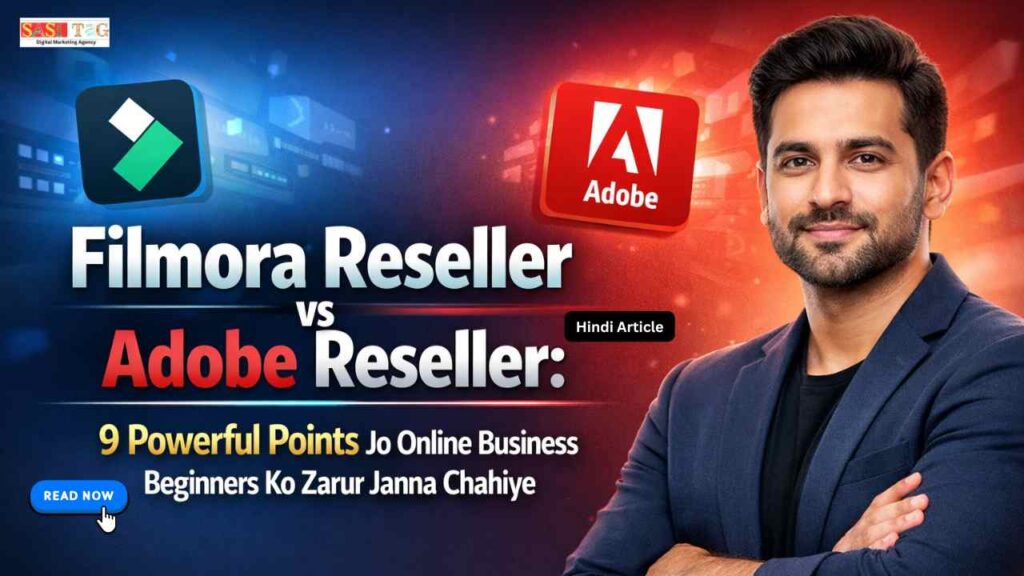
Filmora Reseller vs Adobe Reseller: 9 Powerful Points जो Online Business Beginners को ज़रूर जानना चाहिए
आज के Digital Time में Online Business बहुत तेजी से Grow कर रहा है! बहुत सारे लोग Digital Products, Software Licenses और Creative Tools को Resell करके अच्छा पैसा कमा रहे हैं! खासकर Video Editing Software और Creative Software की Demand लगातार बढ़ रही है क्योंकि Content Creation, YouTube और Digital Marketing तेजी से Popular हो रहे हैं!
Table of Contents
Toggleइसी वजह से बहुत से Beginners Filmora Reseller और Adobe Reseller Program के बारे में जानना चाहते हैं! दोनों ही Software Market में बहुत Popular हैं और Reselling के लिए एक Strong Opportunity दे सकते हैं! लेकिन Beginners के लिए यह समझना थोड़ा मुश्किल हो जाता है कि कौन सा Option उनके Business के लिए ज्यादा सही है!
इस Blog में हम Filmora Reseller और Adobe Reseller को Detail में Compare करेंगे! साथ ही 9 Powerful Points के माध्यम से यह समझेंगे कि Online Business Beginners के लिए कौन सा Model ज्यादा Useful और Profitable हो सकता है!
#Filmora Reseller Kya Hai?
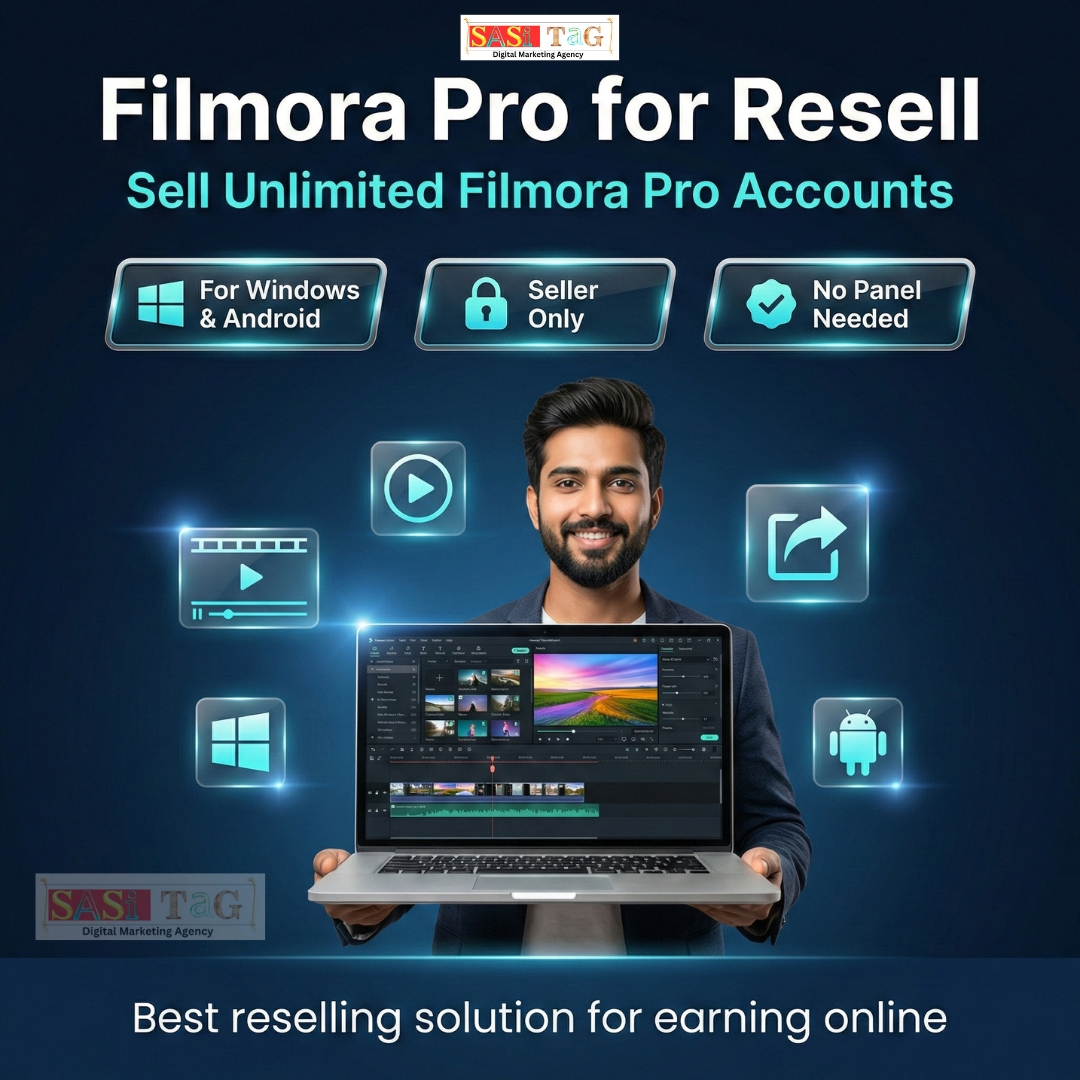
Filmora Reseller Program basically Wondershare Filmora Software को Resell करने का Business Model है! Filmora एक Popular Video Editing Software है जिसे खासतौर पर Beginners, YouTubers और Content Creators बहुत ज्यादा इस्तेमाल करते हैं! इसका Interface Simple होता है और Editing Tools भी काफी Easy होते हैं!
अगर आप Filmora Reseller बनते हैं तो आपको Software License Bulk में मिलता है जिसे आप Individual Customers को Sell कर सकते हैं! इसमें Profit Margin अच्छा होता है और Beginners के लिए Entry भी ज्यादा Complicated नहीं होती!
Filmora का Market बहुत तेजी से बढ़ रहा है क्योंकि बहुत सारे नए YouTubers और Content Creators Professional Editing Tools ढूंढ रहे होते हैं! ऐसे में Filmora Reseller बनकर Online Sales करना Beginners के लिए एक अच्छा Digital Business Model बन सकता है!
#Adobe Reseller Kya Hai?
Adobe Reseller Program Adobe Company के Creative Software Products को Resell करने का Official Business Model है! Adobe दुनिया की सबसे बड़ी Creative Software Company में से एक है और इसके Tools जैसे Photoshop, Premiere Pro, Illustrator और After Effects काफी Popular हैं! Adobe Reseller बनने के लिए आमतौर पर Official Partnership Process से गुजरना पड़ता है! इसमें Business Verification, Requirements और कुछ Conditions भी हो सकती हैं! इसलिए यह Model थोड़ा Professional Level Business के लिए ज्यादा Suitable माना जाता है!
Adobe Products Professional Designers, Video Editors और Agencies के बीच बहुत ज्यादा Popular हैं! इसलिए अगर कोई Business Owner Corporate Clients या Professional Creators को Target करना चाहता है तो Adobe Reseller Program एक Strong Option बन सकता है!
#Filmora Reseller Aur Adobe Reseller Ki Importance
आज के Digital Content Era में Video Editing और Creative Software की Demand पहले से कई गुना ज्यादा बढ़ चुकी है! YouTube Channels, Instagram Reels, Online Courses और Digital Marketing Campaigns के लिए High Quality Content की जरूरत होती है! यही वजह है कि Editing Software Market तेजी से Grow कर रहा है!
Filmora और Adobe दोनों ही Software Content Creation Industry में बहुत Important Role निभाते हैं! Filmora Beginners और Individual Creators के लिए Perfect Tool माना जाता है जबकि Adobe Tools Professional Level Editing और Design Work के लिए इस्तेमाल होते हैं! अगर कोई Beginner Online Software Reselling Business शुरू करना चाहता है तो इन दोनों Models को समझना बहुत जरूरी है! सही Platform चुनने से Profit, Customer Base और Business Growth तीनों पर सीधा असर पड़ता है!
- All
- Gateway
- Panel
- User Ac
- Back
- User Ac


#Filmora Reseller vs Adobe Reseller: Main Difference
1. User Interface
Filmora
Filmora का User Interface बहुत Simple और Beginner Friendly होता है! इसका Dashboard साफ और Organized होता है जिससे नए Users भी आसानी से Editing सीख सकते हैं! Drag And Drop System होने की वजह से Editing Process बहुत आसान हो जाती है! Filmora का Interface Beginners के लिए Designed किया गया है इसलिए इसमें ज्यादा Technical Complexity नहीं होती! यही कारण है कि YouTubers और New Content Creators इसे जल्दी सीख लेते हैं!
Adobe
Adobe Software का Interface काफी Advanced और Professional होता है! इसमें बहुत सारे Tools, Panels और Settings होते हैं जो Professional Editors और Designers के लिए Useful होते हैं! Beginners के लिए Adobe Interface थोड़ा Complex लग सकता है क्योंकि इसमें Professional Editing Features होते हैं! इसलिए इसे सीखने में थोड़ा ज्यादा Time और Practice लगती है!
2. Features
Filmora
Filmora में Basic से लेकर Advanced Editing के लिए काफी अच्छे Features मिलते हैं जैसे Effects, Transitions, Text Animation और Presets! Beginners के लिए ये Features काफी Helpful होते हैं क्योंकि बिना ज्यादा Technical Knowledge के भी Professional Looking Video बनाई जा सकती है! Filmora में Ready Made Templates और Effects भी मिलते हैं जिससे Editing Process Fast हो जाती है! Content Creators के लिए यह एक Practical Tool माना जाता है!
Adobe
Adobe Software जैसे Premiere Pro और After Effects में बहुत Advanced Features होते हैं! इसमें Professional Color Grading, Motion Graphics, VFX और High Level Editing Tools मिलते हैं! Professional Editors और Production Houses Adobe Tools का इस्तेमाल करते हैं क्योंकि इसमें Creative Control बहुत ज्यादा मिलता है! Complex Projects के लिए Adobe ज्यादा Powerful माना जाता है!
3. Ease Of Use
Filmora
Filmora का सबसे बड़ा Advantage इसका Easy Learning System है! Beginners कुछ ही दिनों में Basic Editing सीख सकते हैं और Simple Projects बना सकते हैं! YouTube Tutorials और Built In Guides की वजह से Filmora सीखना और भी आसान हो जाता है! इसलिए Beginners के लिए यह काफी Comfortable Tool होता है!
Adobe
Adobe Software सीखने के लिए ज्यादा Time और Practice चाहिए होती है! इसमें Professional Level Editing Concepts समझने पड़ते हैं! अगर कोई Beginner सीधे Adobe Tools से शुरू करता है तो उसे शुरुआत में थोड़ा Difficulty हो सकती है! लेकिन एक बार सीखने के बाद यह बहुत Powerful Editing Platform बन जाता है!
4. Performance
Filmora
Filmora Medium Level Computers पर भी Smoothly काम कर सकता है! इसका System Requirement ज्यादा Heavy नहीं होता इसलिए Beginners के Laptop या PC पर भी यह आसानी से Run हो जाता है! Simple Editing Projects के लिए Filmora Performance काफी Stable रहती है!
Adobe
Adobe Software High Performance System पर सबसे अच्छा काम करता है! Heavy Video Editing, High Resolution Projects और Motion Graphics के लिए Powerful Computer जरूरी होता है! अगर System Weak हो तो Adobe Tools कभी-कभी Slow Performance दे सकते हैं!
5. Customization
Filmora
Filmora में Customization Limited लेकिन Practical होती है! इसमें Ready Made Templates और Effects ज्यादा Focus में होते हैं ताकि Editing Fast और Easy रहे! Beginners के लिए यह Approach काफी Helpful होती है क्योंकि ज्यादा Technical Setup की जरूरत नहीं पड़ती!
Adobe
Adobe Tools में Customization बहुत ज्यादा होती है! Editors अपनी जरूरत के हिसाब से Timeline, Effects और Editing Workflow को Customize कर सकते हैं! Professional Creators के लिए यह Flexibility बहुत महत्वपूर्ण होती है!
6. Pricing
Filmora
Filmora Software की Pricing Adobe के मुकाबले काफी Affordable होती है! इसलिए Beginners और Individual Creators इसे आसानी से खरीद सकते हैं! Reselling के लिए भी Filmora Pricing Structure Beginners के लिए ज्यादा Friendly माना जाता है!
Adobe
Adobe Software Subscription Based Model पर काम करता है! इसके Plans थोड़े Expensive होते हैं क्योंकि इसमें Professional Level Tools शामिल होते हैं! Corporate Clients और Professional Users इसके Target Audience होते हैं!
7. Best Use Case
Filmora
Filmora सबसे ज्यादा Suitable है YouTubers, Beginners और Social Media Content Creators के लिए! जो लोग Fast Editing और Simple Workflow चाहते हैं उनके लिए यह Perfect Tool है! Small Creators और New Editors Filmora के साथ जल्दी Grow कर सकते हैं!
Adobe
Adobe Tools Professional Video Editors, Graphic Designers और Production Studios के लिए Best होते हैं! High End Projects और Commercial Work के लिए यह Industry Standard माना जाता है! Agencies और Professional Creators Adobe Software को ज्यादा Prefer करते हैं!
8. Learning Curve
Filmora
Filmora का Learning Curve बहुत Easy है! Beginners कुछ दिनों में Basic Editing सीखकर Content Create करना शुरू कर सकते हैं! Short Tutorials और Simple Interface की वजह से Learning Process Fast हो जाता है!
Adobe
Adobe Software का Learning Curve काफी Long हो सकता है! इसमें Professional Editing Techniques सीखने में Time लगता है! लेकिन जो लोग इसे Master कर लेते हैं उनके लिए Creative Opportunities भी काफी बढ़ जाती हैं!
#Tips: Kis Situation Me Kaunsa Tool Choose Kare
अगर आप Online Business Beginner हैं और Software Reselling शुरू करना चाहते हैं तो Filmora Reseller Model आपके लिए ज्यादा Simple और Beginner Friendly हो सकता है! इसकी Pricing Affordable होती है और Target Audience भी बड़ी होती है!
अगर आपका Target Market Professional Designers, Agencies या Corporate Clients हैं तो Adobe Reseller Program ज्यादा Powerful Business Model बन सकता है! Beginners के लिए सबसे अच्छा तरीका यह होता है कि पहले Market Demand को समझें और फिर उसी के हिसाब से सही Reselling Model चुनें!
#Conclusion
Filmora Reseller और Adobe Reseller दोनों ही Digital Software Business के लिए Strong Opportunities देते हैं! लेकिन इन दोनों के Target Audience, Pricing और Complexity में काफी Difference होता है!
Filmora Beginners और Individual Creators के लिए Perfect Option है क्योंकि यह Easy To Use और Affordable होता है! वहीं Adobe Professional Level Editing और Design Industry के लिए Industry Standard Tool माना जाता है!
अगर आप Online Software Reselling Business शुरू करना चाहते हैं तो सबसे पहले अपने Target Audience और Business Goals को समझना जरूरी है! सही Platform चुनने से आपका Digital Business तेजी से Grow कर सकता है!
- All Posts
- Blog
- Digital Products
- Earn online
- Idea's
- Marketing

#LinkedIn Latest Features 2026 Ke Top 7 Powerfull Updates Jo Professional Networking Ko Next Level Bana De (In Hindi) आज...

#Gemini AI Blog Writing Tools Begginers Ke Liye 2026 Ke Top 6 Powerful Features Jo Writers Ki Productivity Double Kar...

#GitHub Copilot Workflow Automation Top 7 Smart Features Jo Coding Ko Fully Automatic Bana De (In Hindi) आज के Modern...

#GitHub Copilot Code Suggestions Begginers Ke Liye Top 5 PowerFul AI Features Jo Coding Errors Ko Seconds Me Fix Kar...

#GitHub Copilot Pro Kya Hai? Top 7 Powerful Features Jo Coding Ko Super Fast Aur Smart Bana De (In Hindi)...

#Filmora 15 Begginers Pro Ke Top 7 Amazing Features For Fast & Professional Pro Video Editing (In 2026) आज के...

#MS Office 365 Creators Ke Liye 2026 Ke Top 10 Powerful Tools Jo Aapki Productivity Ko Boost Kare (In Hindi)...

#ChatGPT Plus 2026 Begginers Ke Liye Top 10 Amazing Benefits Jo Aapki Productivity Ko 10X Boost Kare (In Hindi) क्या...

#CapCut Pro Private Account 2026: 7 Powerful Features Jo Aapki Video Editing Ko Pro Level Banaye (In Hindi) क्या आप...